Nokē Smart Lock Self Storage Units
Worry-Free Renting: Nokē Smart Lock Self Storage Units
Enjoy a Convenient, Worry-free Self Storage Experience with the Nokē Smart Entry Lock
You can now use your mobile phone to access the facility and your self storage unit without worrying about remembering any codes or keys. You can also view access activity, share a digital key with family members, employees, or movers, and move into a unit whenever you’d like. You can rent a self-storage unit online, use the app to access the facility and your unit, and move in, all without having to come into the office!
Find Your UnitSmart Entry Steps to your Storage Unit
- Step 1
Download App
- Step 2
Access Unit
- Step 3
Unlock Unit
Simple, Fast, Convenient
We will send you a link to download the app and a passcode.Once you download the app, use your phone number and the temporary passcode to create your account and sign in. Experience premium convenience when accessing our storage facility!
- Tap on the relevant icon to access the facility gate.
- The gate will open automatically.
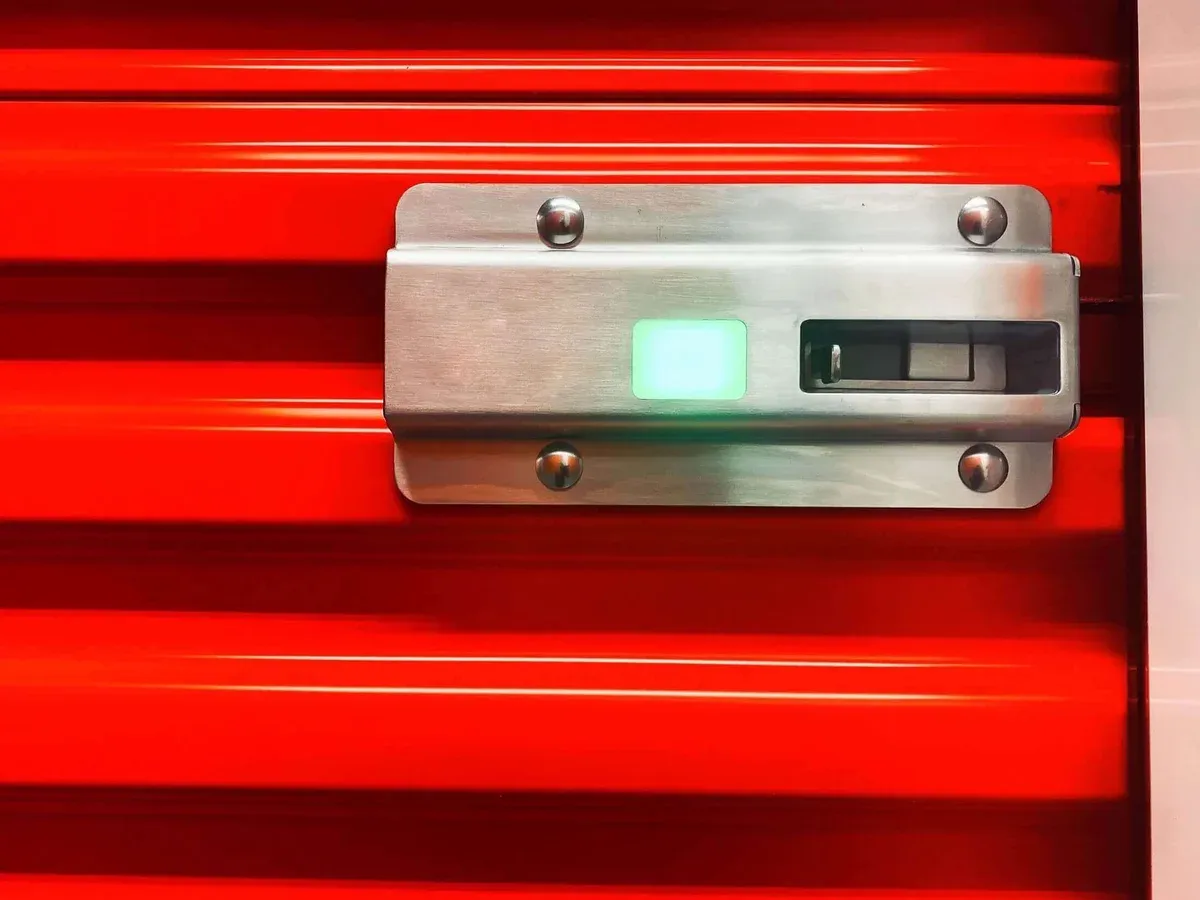
- If accessing an individual unit, tap the unit’s smart lock to wake it.
- A red light means locked; A green light means unlocked.
- Tap the highlighted icon on your Nokē app to unlock the unit.